Your YachtWorld Listings on Your Own Website, Kept in Sync.
Keep working in BoatWizard. Every boat you list on YachtWorld, Boat Trader and boats.com comes onto your brokerage’s own site with its photos, specs, price and listing broker, and follows every change after that: checked every 30 minutes, read again in full every night.
- Checked every 30 minutes
- Sold boats lose their price
- Website plan, $350 a month
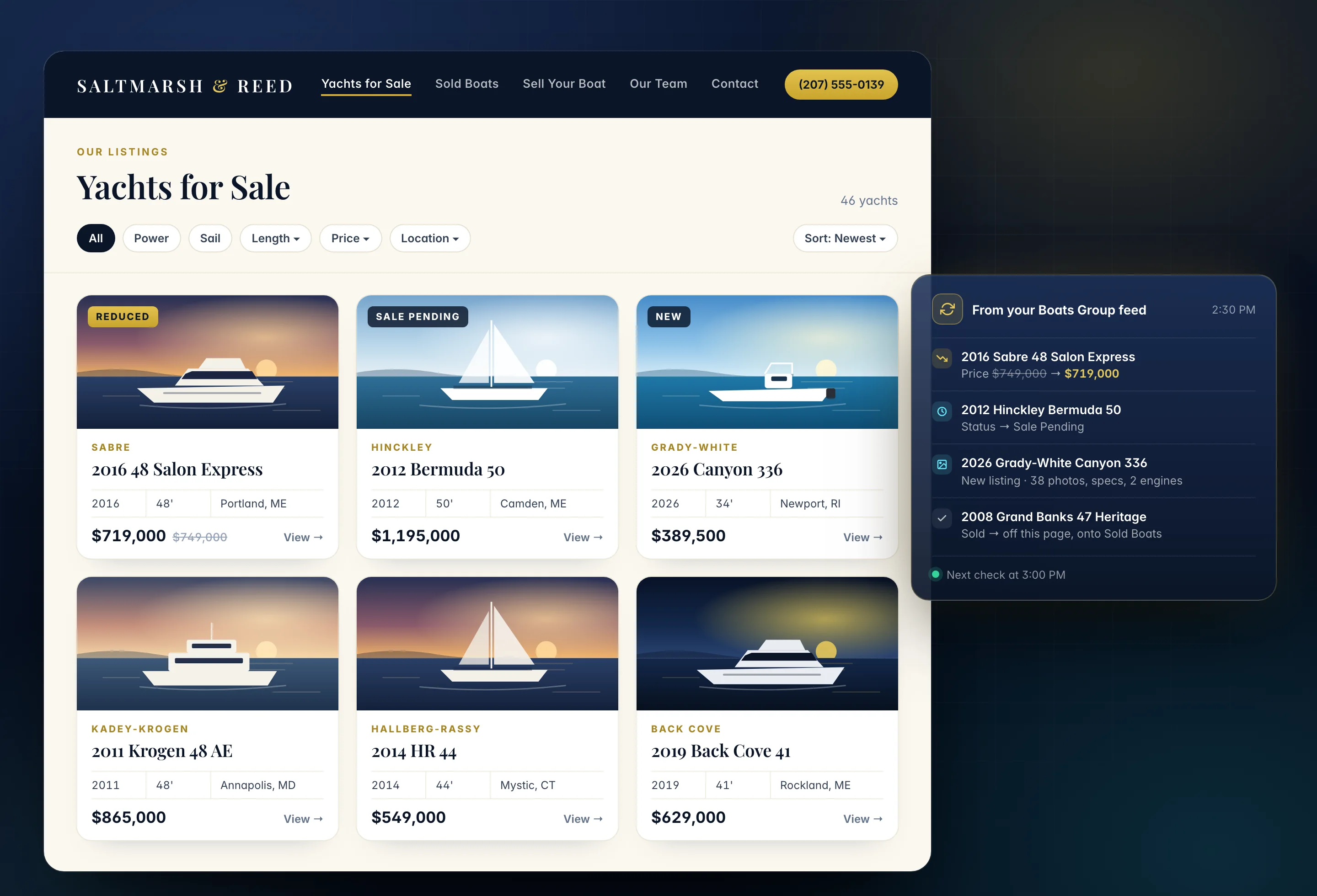
The feed you already pay for, working for your own site.
Your site reads its boats from YachtOne, which keeps its own copy of your feed. So pages load fast, and a feed outage on a Saturday doesn’t empty your inventory.
Boats Group
YachtWorld · Boat Trader · boats.comThe listings you manage in BoatWizard: active, sale pending, on order and sold, each with its listing broker.
Boating Canada
For Canadian brokerages and dealersActive, exclusive, pending and sold listings, with your brokers and offices from the same account.
Your MLS feed
The co-brokerage MLS you list onYour own listings with their listing broker, and the co-brokerage boats the MLS lets you show.
No feed at all
Or several at onceAdd and edit boats straight in the YachtOne admin. Some brokerages run two feeds side by side; that works too.
The whole listing, not just a link to it.
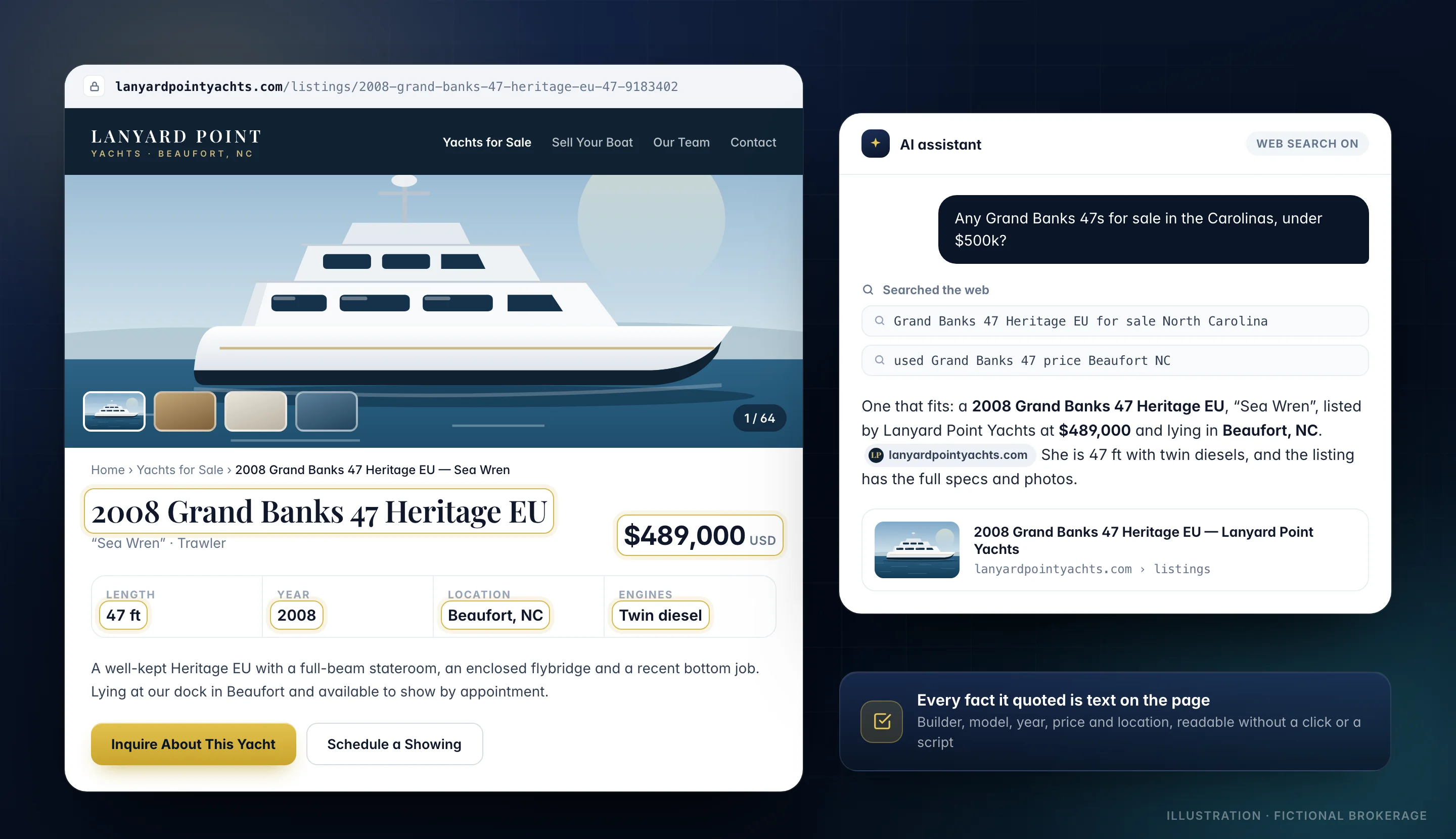
No iframe and no widget pointing back to YachtWorld. Each boat gets a real page on your own domain, with its own address, that search engines index as yours.
- Price
- Every change, with the old price kept in the boat's price history.
- Photos
- In the feed's order. New, replaced and removed photos follow the listing.
- Specs and description
- Make, model, year, dimensions, hull, location and the full write-up.
- Engines and generators
- Each one with its make, model and hours.
- Videos and virtual tours
- The listing's videos and virtual tours come with it.
- Status
- For sale, sale pending, sold. Each changes how the boat shows on your site.
- Listing broker
- Matched to your team, so an inquiry on the boat reaches the broker who owns it.
- US and Canadian dollars
- Every price kept in both, converted again each day.
The schedule, to the minute.
- Every 30 minutes
Your feed is checked and every listing that changed is brought in.
- Within 5 minutes
Your site's pages refresh after a change lands.
- Every night · 04:00 UTC
The whole feed is compared with your site. A boat no longer in it comes off.
- Every night · 05:15 UTC
Every listing is read again in full, catching anything a check missed.
The one delay we don’t control
An edit can show on YachtWorld a few hours before Boats Group’s data feed carries it. Once the feed has it, your site follows at the next check.
If the feed goes down
Your site keeps the last good copy. The nightly check removes nothing if the feed returns no boats, or would take off more than half your listings at once.
From first listing to sold, and after.
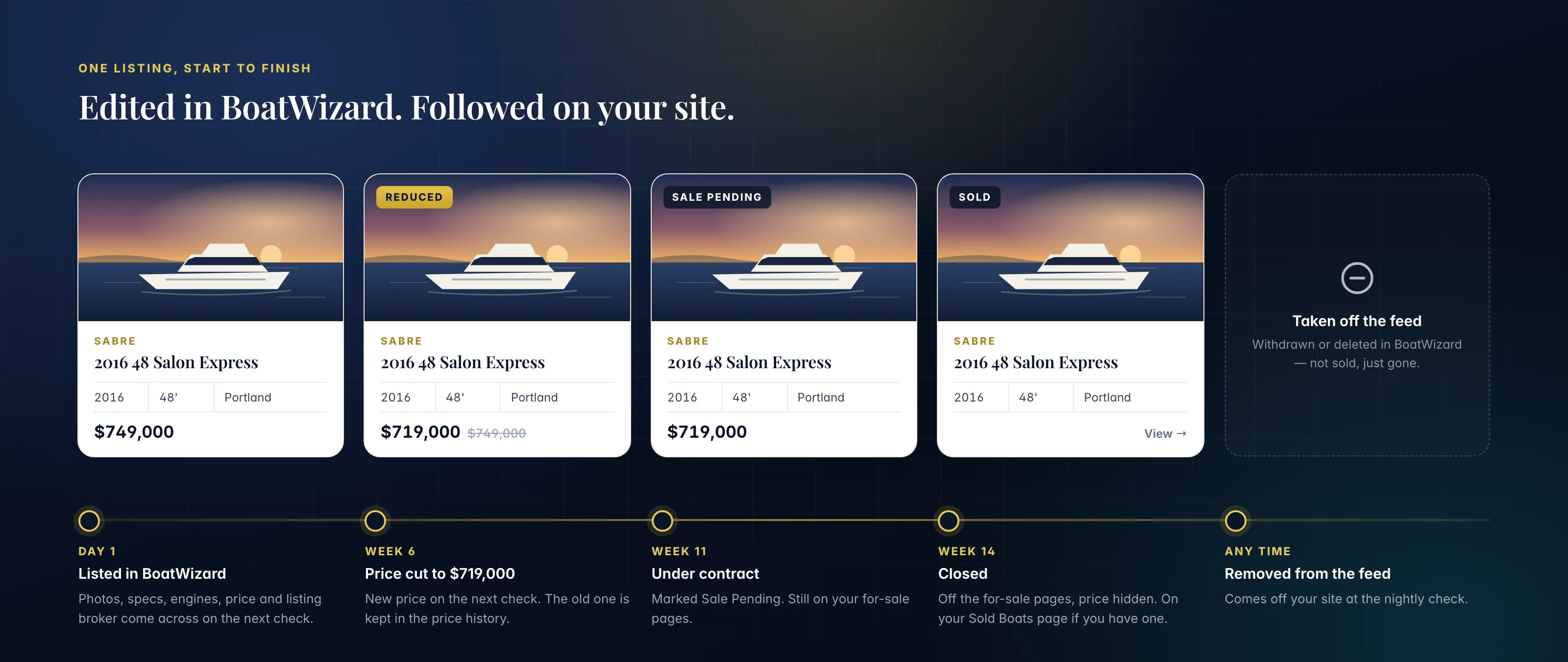
Under contract
Marked Sale Pending, price still shown. The boat stays on your for-sale pages until the deal closes.
Sold
Marked Sold and its price hidden everywhere on your site. It leaves your for-sale listings and, if your site has a sold-boats page, appears there. What it sold for is never shown.
Withdrawn or deleted
Comes off your site at the nightly check. A boat that is no longer in your feed is not left behind.
One version of every listing.
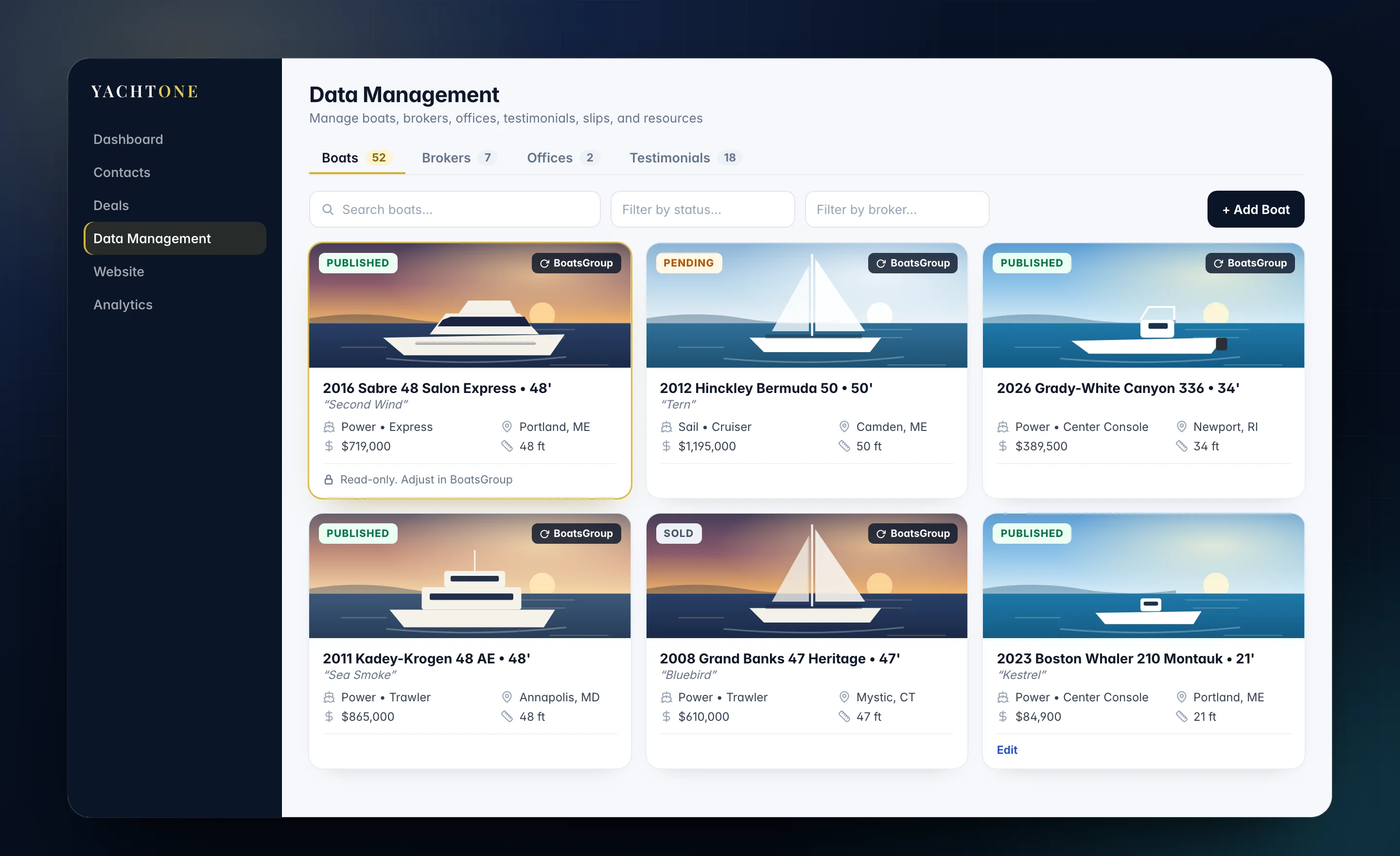
Every feed boat is marked with where it comes from.
Feed boats are read-only, with a note to change them in the feed, so there is only ever one version of a listing.
Boats that are not on any feed are added and edited right alongside.
Leaving YachtWorld?
Your listings can stay on your site. We take them off the feed so they are yours to edit in the admin, and move their photos off Boats Group’s servers into YachtOne’s own storage. Each boat keeps its page and its address.
Everything Else You Might Ask.
How do I show my YachtWorld listings on my own website?
Connect your Boats Group inventory feed. It carries the listings you manage in BoatWizard, the same ones that appear on YachtWorld, Boat Trader and boats.com. Boats Group issues the key for your inventory and we connect it, so every listing comes onto your site with its photos, specs, engines, description, price, status and listing broker.
From then on you keep working in BoatWizard. Your site follows on its own, and nobody types a boat in twice.
Which inventory feeds can YachtOne sync from?
Boats Group (YachtWorld, Boat Trader and boats.com), Boating Canada, and the MLS feed many brokerages already list on. Some brokerages use more than one, and some use none: boats can also be added and edited straight in the YachtOne admin.
If Boats Group has given your brokerage co-brokerage access, those boats can sync to your site too, with your own broker as the contact.
How often does my website update from BoatWizard?
YachtOne checks your feed every 30 minutes and brings in every listing that changed. Every night it also re-reads the whole feed, so a change that slipped past a check is picked up, and takes off any listing that is no longer in it. Your site's pages are cached for five minutes at most, so a change shows soon after it lands.
One delay is on Boats Group's side: an edit can show on YachtWorld a few hours before Boats Group's data feed carries it. Once the feed has it, your site follows at the next check.
What happens on my website when a boat sells?
When the listing is marked sold in BoatWizard, the next check marks it Sold on your site and hides its price everywhere. It leaves your for-sale listings and, if your site has a sold-boats page, appears there, so it keeps working for you as a record of what you have sold.
What a boat actually sold for is never shown. Only the status changes.
What if a listing is withdrawn or deleted instead of sold?
It comes off your site at the nightly check, when the whole feed is compared with what your site shows. A boat that is not in your feed any more is not left on your site.
What happens to my website if the feed goes down?
Nothing your buyers would notice. Your site reads its boats from YachtOne, not live from Boats Group, so it keeps showing the inventory from the last successful check.
The nightly removal check also stops itself if the feed returns no boats at all, or would take off more than half of your listings in one go. Either one points to a feed problem rather than a real change, so nothing is removed that night.
Why is the price on my website different from YachtWorld?
Almost always it is timing. Boats Group's data feed can trail YachtWorld's own pages by a few hours after an edit, and your site updates at the first check after the feed carries the change.
If the two still differ a day later, tell us and we will re-read that listing from the feed.
Can I edit a synced boat in YachtOne?
Not while it comes from a feed. In the admin each feed boat is marked with its source and is read-only, with a note to change it in the feed, so there is only ever one version of a listing. Boats that are not on any feed are added and edited in the admin, side by side with the synced ones.
What happens to our listings if we stop using YachtWorld?
They can stay on your site. We take them off the feed so they become yours to edit in the YachtOne admin, and move their photos off Boats Group's servers into YachtOne's own storage. The boats keep the same pages and addresses on your site.
Can my website show prices in both US and Canadian dollars?
Yes. YachtOne keeps every boat's price in both US and Canadian dollars and converts it again every day at the current exchange rate, so a site can show either.
What does it cost?
Your inventory feed is part of the Website plan at $350 a month, with hosting, updates and fixes included. There is no build fee: your first month covers the build, and the site goes live within 30 days.
More problems we solve
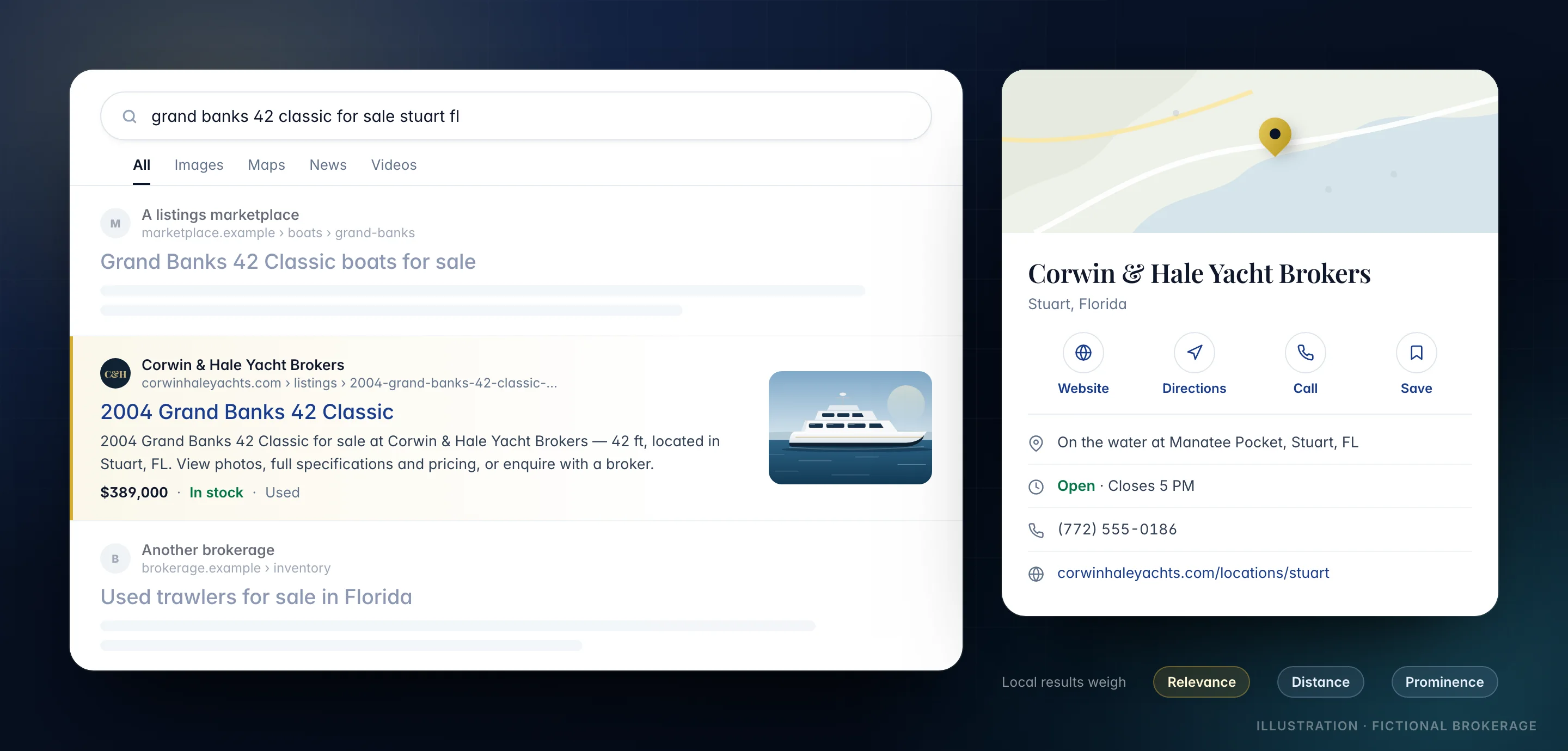
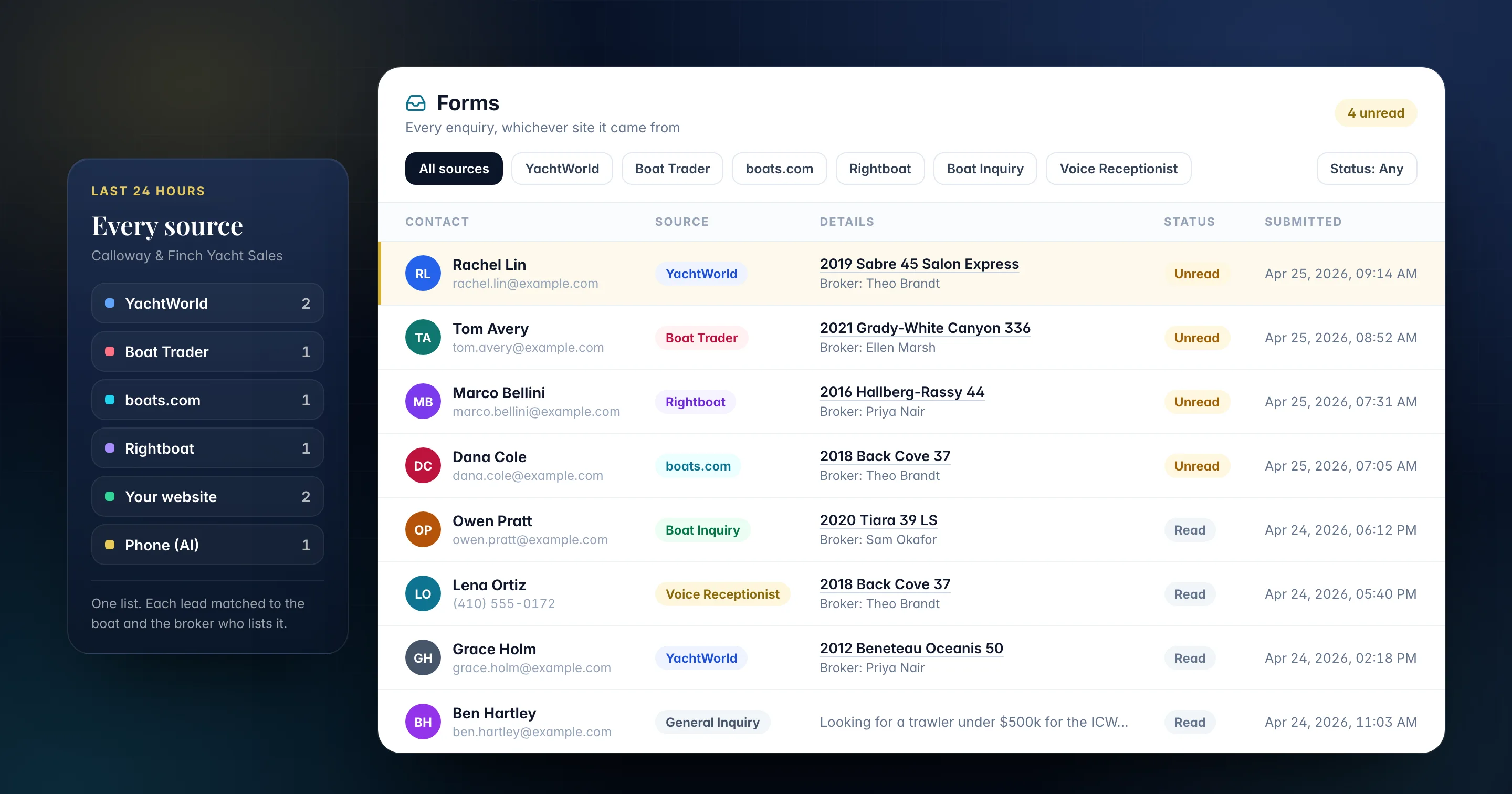
Welcome to the First End-to-End Yacht Sales Operating System
We've built the only platform designed specifically for how yacht sales actually happen. From the moment a visitor lands on your site—they never leave your ecosystem.